PV - Secret Photo Album
Protect your photos and videos


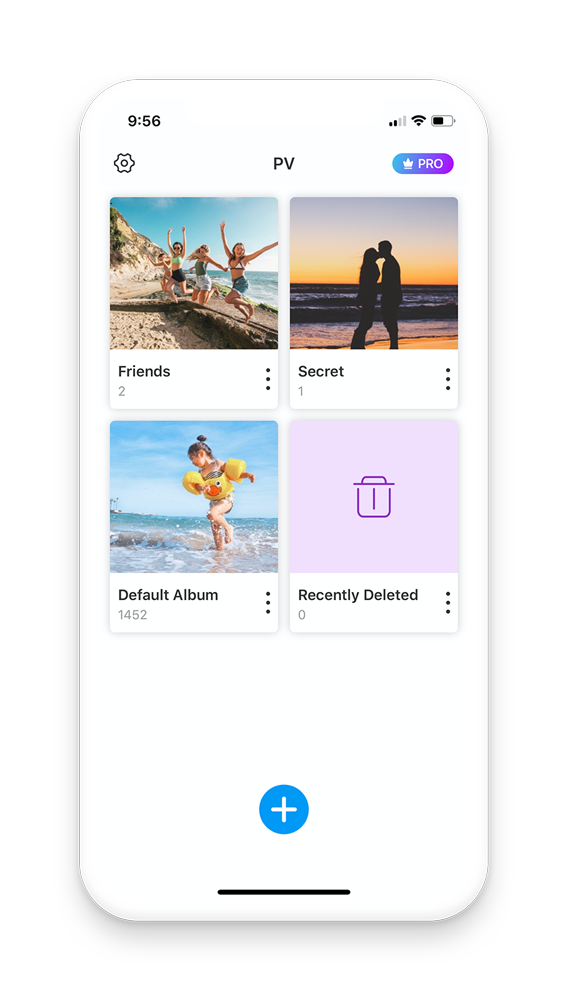
Protect your photos and videos
Performing a hard reset on your device is an excellent way to resolve severe lag, system crashes, or a forgotten lock screen passcode. However, if you factory reset your ZTE Blade A35 Core Go to product viewer dialog for this item.
Search for and select the or its specific Unisoc chipset profile. Click on the command labeled Erase FRP . Power off your ZTE Blade A35 Core completely. Bypass Google Verification on ZTE Blade A35 Core
ZTE Blade A35 model: Z2453 Version: Android 14 FRP removed via hydra dongle Procedure: Open hydra tool > Unisoc Tab> Select brand: Facebook·Mobile Hardware And Software Repairing Performing a hard reset on your device is
Обойти проверку Google ZTE Blade A35 Core - HardReset.info Click on the command labeled Erase FRP
This is arguably the most effective and straightforward method for the ZTE Blade A35 Core running Android 14. It uses a specialized PC tool called to communicate directly with your phone and remove the FRP lock.